Terminal sessions
domotion term --cast <file.cast> converts a recorded terminal session into a
self-contained animated SVG — real text, real ANSI color, native SVG (no raster
frames).
Record with asciinema, then convert:
asciinema rec demo.cast -c "npm test"domotion term --cast demo.cast -o demo.svgYou can also skip the recorder and run a command live in a pseudo-terminal
(everything after -- is the command):
domotion term -o build.svg -- npm testdomotion term --theme dark -- git clone https://github.com/acme/web.gitUseful flags
Section titled “Useful flags”--theme <name>— base color theme (e.g.catppuccin,dark); override individual colors with--bg/--fgor a--theme-file <json>--cursor block|bar|underline|none(--cursor-color <c>)--font-size <n>(default 14) ·--font-family <stack>--cols <n>/--rows <n>— override the recorded grid--mode incremental|full—incremental(default) reveals each line on its timeline;fullrenders a complete screen per frame (use for scrolling output)
Run domotion term --help for the full list.
Timing
Section titled “Timing”The rendered play length differs from the recording’s wall time (the timing
knobs — --settle-ms, --min-frame-ms, --max-frame-ms, --tail-ms — re-time
it). term prints the rendered length on stderr (e.g.
… 13.60s play length …) — use that number when sizing an animate cast
frame’s duration.
Compose with intro/outro and window chrome
Section titled “Compose with intro/outro and window chrome”A terminal session shines wrapped in an intro/outro and window chrome. The window
frame is just an SVG you supply — the bundled demos use a macOS-style window, but
a Windows- or Linux-style frame composites the same way. Use an
animate config with a cast frame, or
composite to place the animated terminal window
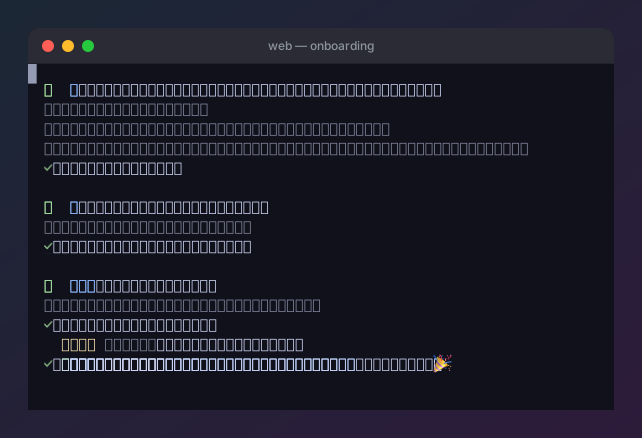
on a desktop. The showcase terminal demos are built this
way — a continuous clone → install → configure → run session rendered through
this exact --cast path, then composited into a window bezel: