Showcase
Every demo on this page is one self-contained .svg file embedded with a
plain <img>. Nothing here is a video, a GIF, or an iframe. Right-click → open
in a new tab and watch it stay crisp at any zoom.
Capability demos
Section titled “Capability demos”Faithful capture
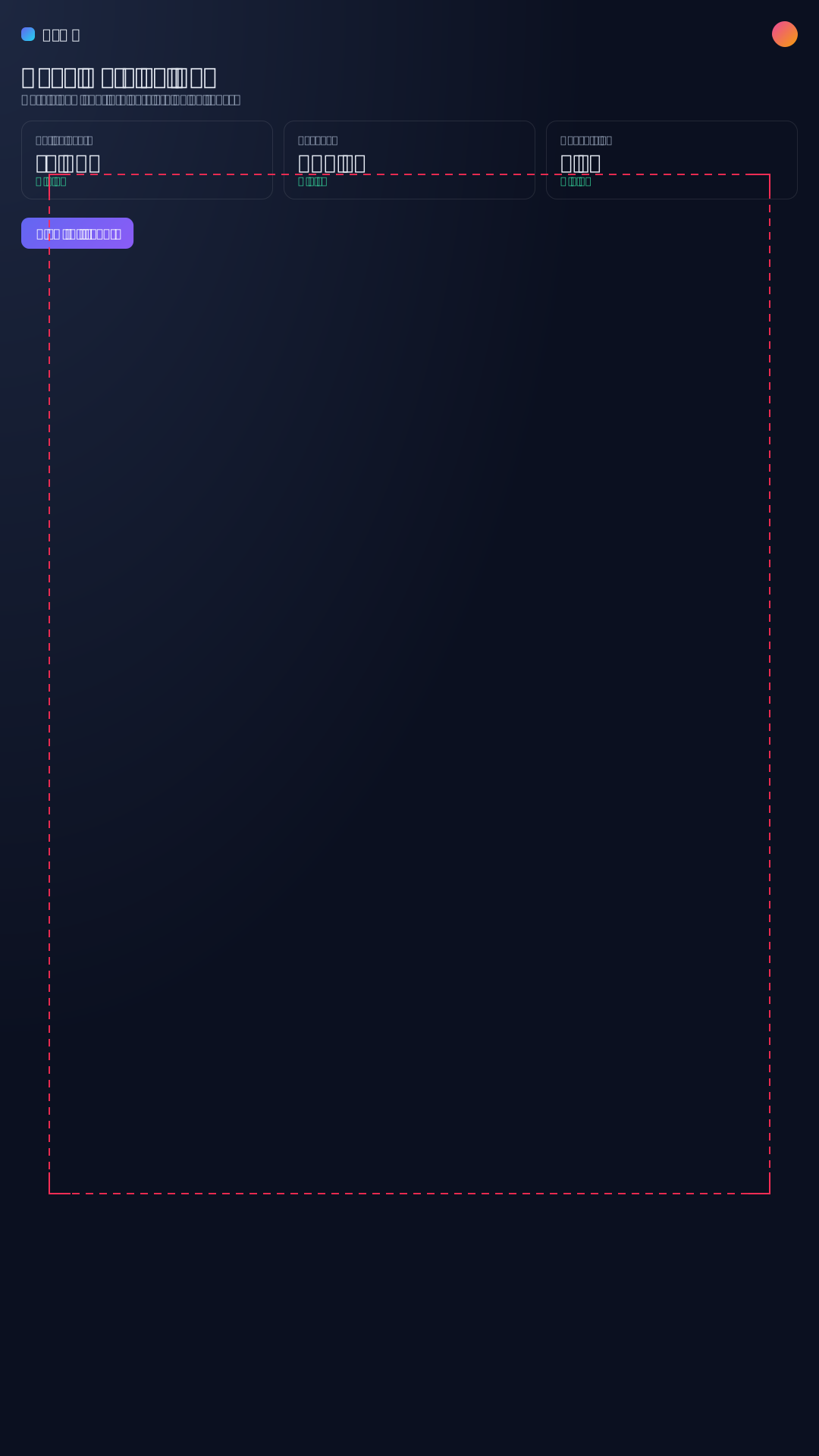
Section titled “Faithful capture”A real page reproduced as native SVG — badges, status rows, code blocks, inline styles, and self-contained captured glyph data.

Scroll capture
Section titled “Scroll capture”A long page in one self-contained SVG — captured at successive scroll offsets and
replayed as a smooth pan to the bottom (--scroll "down:bottom/…"). No video, no
live page.


Transitions
Section titled “Transitions”Stitch multiple captured frames into one animation. Domotion ships eleven transition types, and they compose — chain different ones in a row and each scene enters the way the previous transition handed off to it, then exits its own way:
The familiar names below remain compatible presets. Canonical push, reveal,
zoom, and shine families add bounded direction, angle, distance, origin,
radius, and styling controls; strict custom recipes combine safe motion
primitives without embedding raw CSS or script.

One SVG, four scenes, four transition types in a row — crossfade → push-left → scroll → crossfade.

Each type on its own:

Crossfade — one scene dissolves into the next

Push-left — pages slide horizontally

Scroll — the page pans vertically into more content

Magic-move — shared elements glide to new positions

Wipe — the next scene reveals under a directional edge

Iris — an expanding circular reveal

Clock wipe — a centered hand sweeps around the viewport

Zoom — the scene dollies in or out across the cut

Shine — a swept highlight passes over the handoff
Terminal sessions
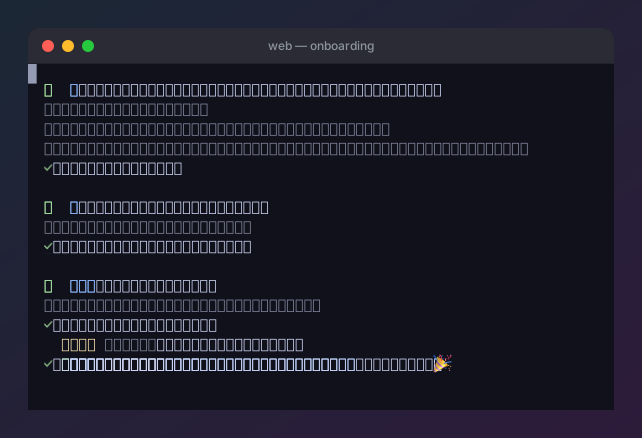
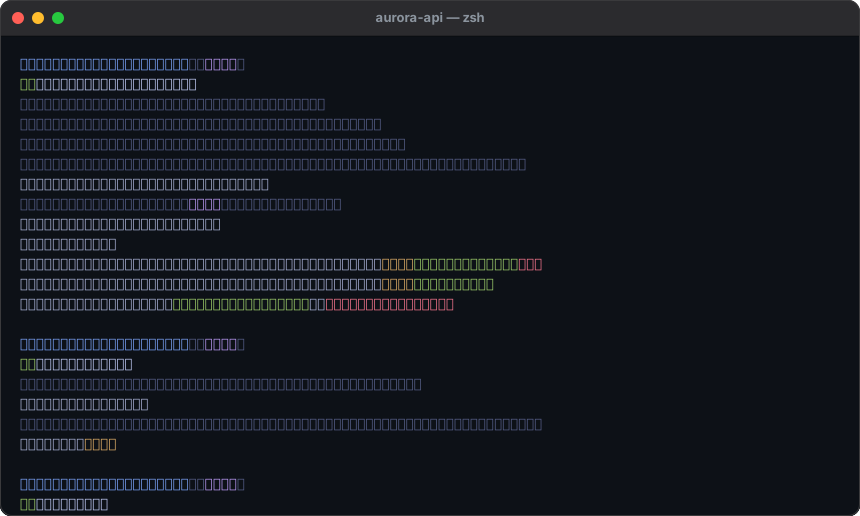
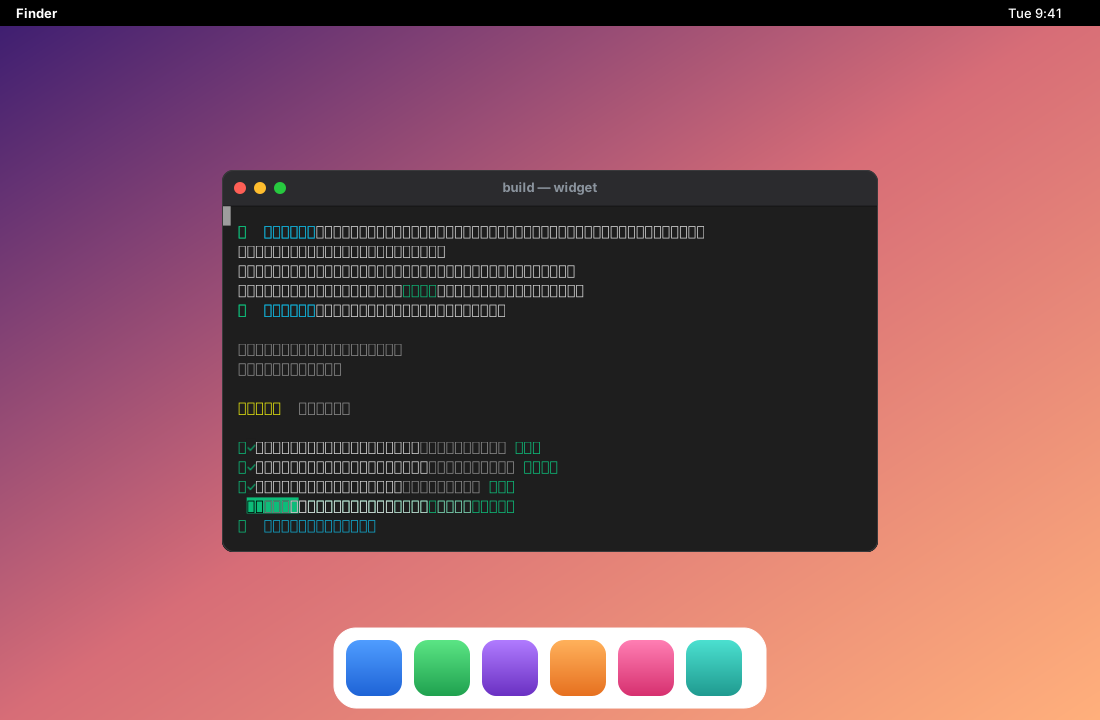
Section titled “Terminal sessions”An asciinema recording rendered as an animated terminal — real ANSI color, real text, optionally composited into window chrome. The frame is just an SVG you supply: these demos use a macOS-style window, but a Windows- or Linux-style one (or no chrome at all) works the same way.
Templates
Section titled “Templates”A few flags become a polished animated SVG — no HTML to write. Charts emphasize the standout, not a rainbow; device mockups wrap a real page in a bezel.

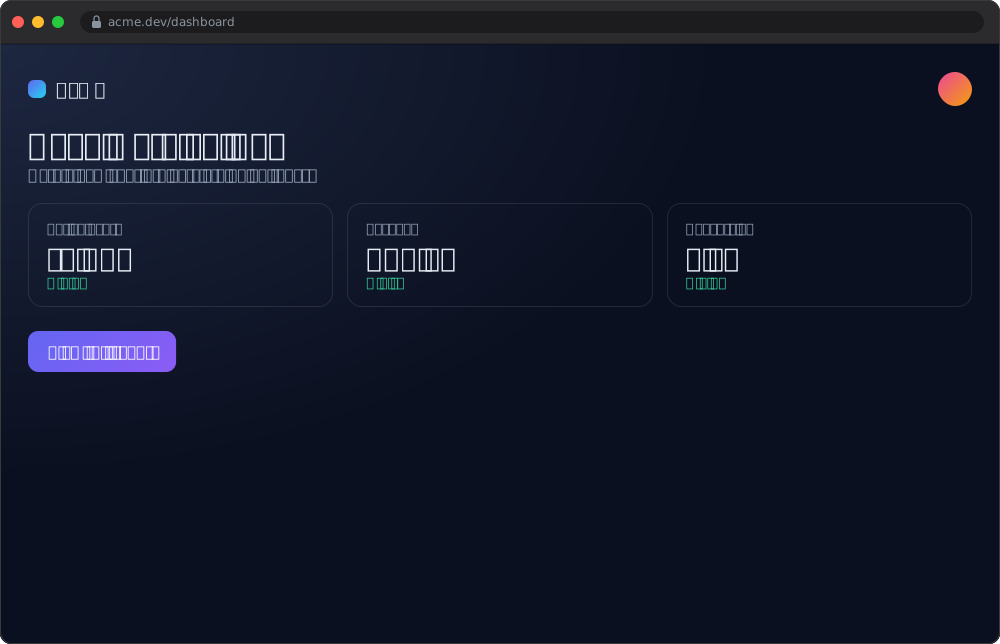
Marketing-ready out of the box: kinetic text for headlines, lower-thirds for captions, subscribe/follow cards for social, and looping backgrounds for hero sections — each a lightweight, lazy-loading SVG instead of a bulky video.


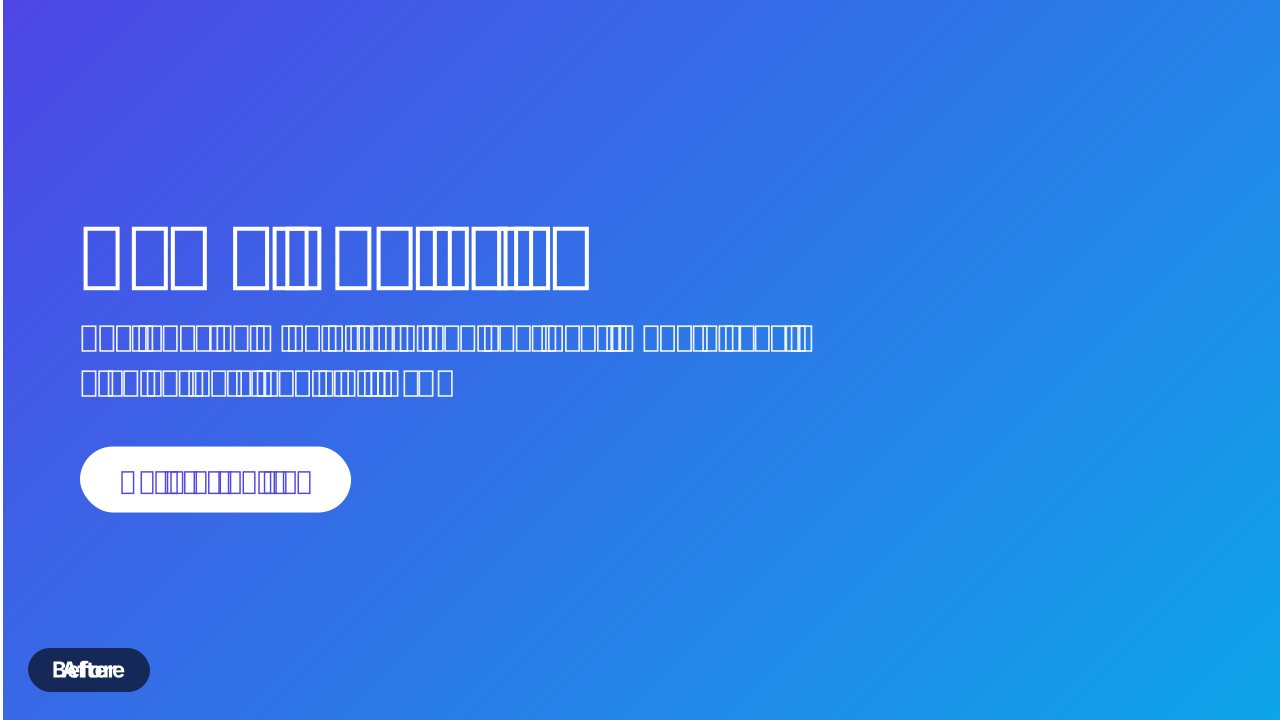
And a creative-template pack of full-bleed text and number cards — an intro title, a pull-quote, a call-to-action end card, a count-up number, and a before/after compare that wipes the “after” over the “before”:


See the Templates guide for the full library and every flag — or the Recipe gallery for copy-paste creative recipes (a 9:16 teaser, a testimonial card, a storyboard, and more).
Brand kits & social formats
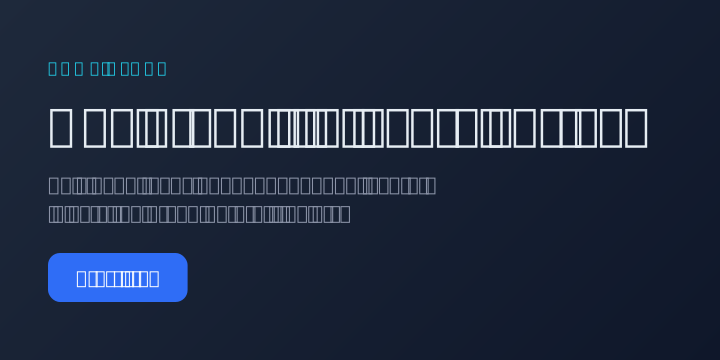
Section titled “Brand kits & social formats”One --brand <kit.json> themes every template (and a captured page) from a shared
palette, type, and logo; one --format sizes to a social preset — reel
(9:16), square, portrait, or landscape — with the type scaling to fit. The
same content, on-brand and correctly framed for each surface, by construction.
Storyboard — sequence distinct scenes
Section titled “Storyboard — sequence distinct scenes”Where an animation stitches frames of one subject, a storyboard sequences distinct scenes — a title card, a captured page, a terminal, a chart — into one narrative, on a shared brand and format. A whole promo as a single self-contained animated SVG.

Interaction capture
Section titled “Interaction capture”Capture a page’s real interactive states — not a faked overlay. Force a real CSS
:hover/:focus/:active before capture, auto-detect and animate a hover
reveal, or dispatch a JS event and capture what the page’s own script does — plus
a realistic per-keystroke typing mode that shows the field’s own input mask and
caret.


Compositing
Section titled “Compositing”Animated layers inside animated layers — a terminal window on a desktop, on its own timeline.
Iframe recursion
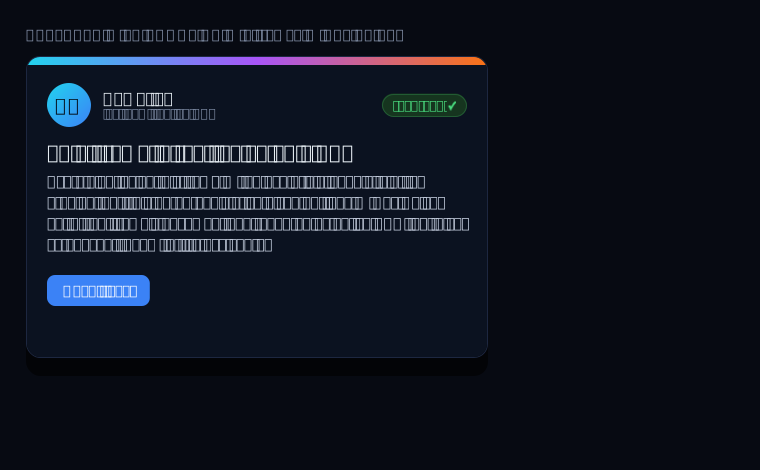
Section titled “Iframe recursion”A same-origin <iframe> is captured as native, vector SVG — walked with the
same logic as the parent page, not flattened to a raster screenshot. Zoom in and
the embedded content stays crisp. (Cross-origin frames opt in with
--cross-origin-frames.)
Full-application demos
Section titled “Full-application demos”A capability demo shows one trick. The real test is a whole product: a dense, stateful, real application, rendered faithfully as a single SVG. Both demos below are genuine Domotion captures of live local apps — not mockups, not screenshots.
Projects at this scale can be authored and reviewed in Domotion Studio, with scenes, timeline tracks, playback, and annotations kept in a versioned project while these SVGs remain replaceable outputs.
Glassbox — an AI code-review tool, start to finish
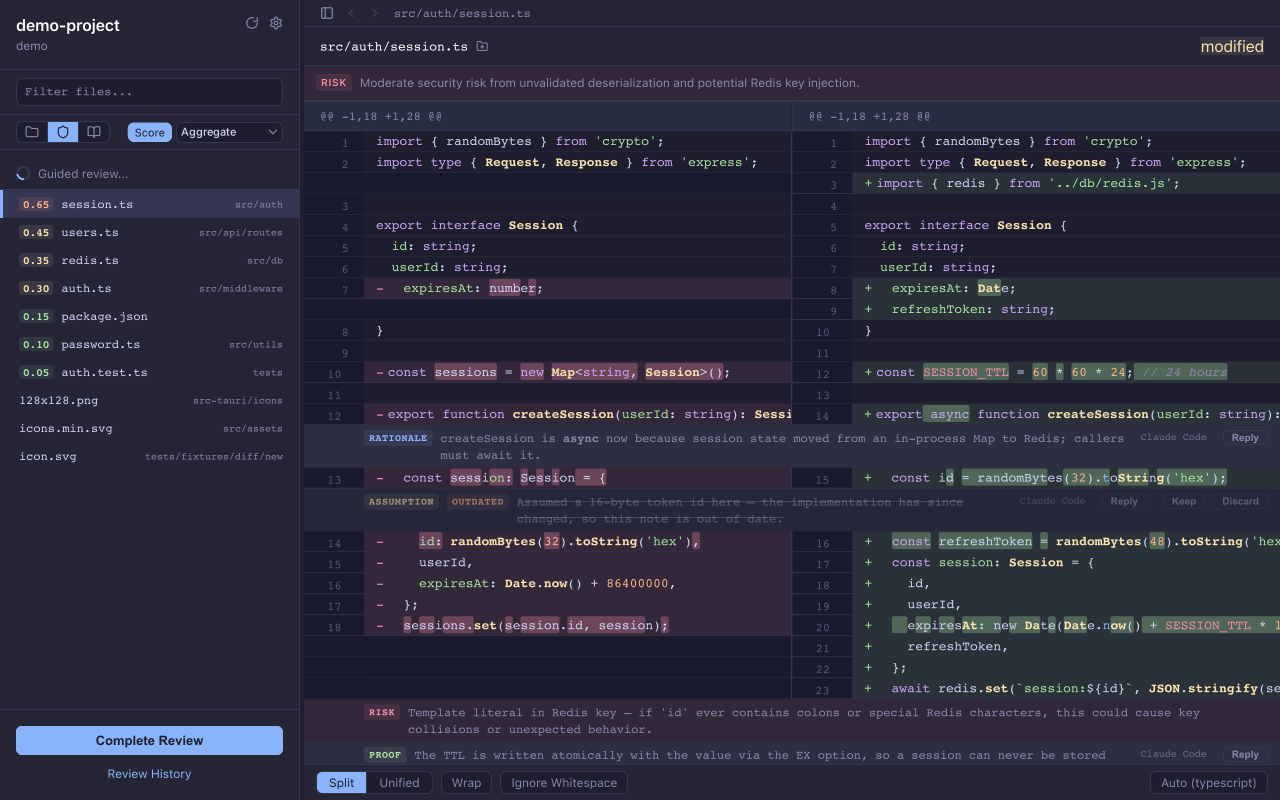
Section titled “Glassbox — an AI code-review tool, start to finish”One infinitely-looping SVG walks the entire workflow: launch from the CLI → the sidebar triages each file by AI-assessed risk → open a split diff → annotate a line → complete the review → export the structured feedback → a Claude Code agent reads it back and applies the fix. Every frame is a real capture of the running app, composited into window chrome with a lower-third caption.

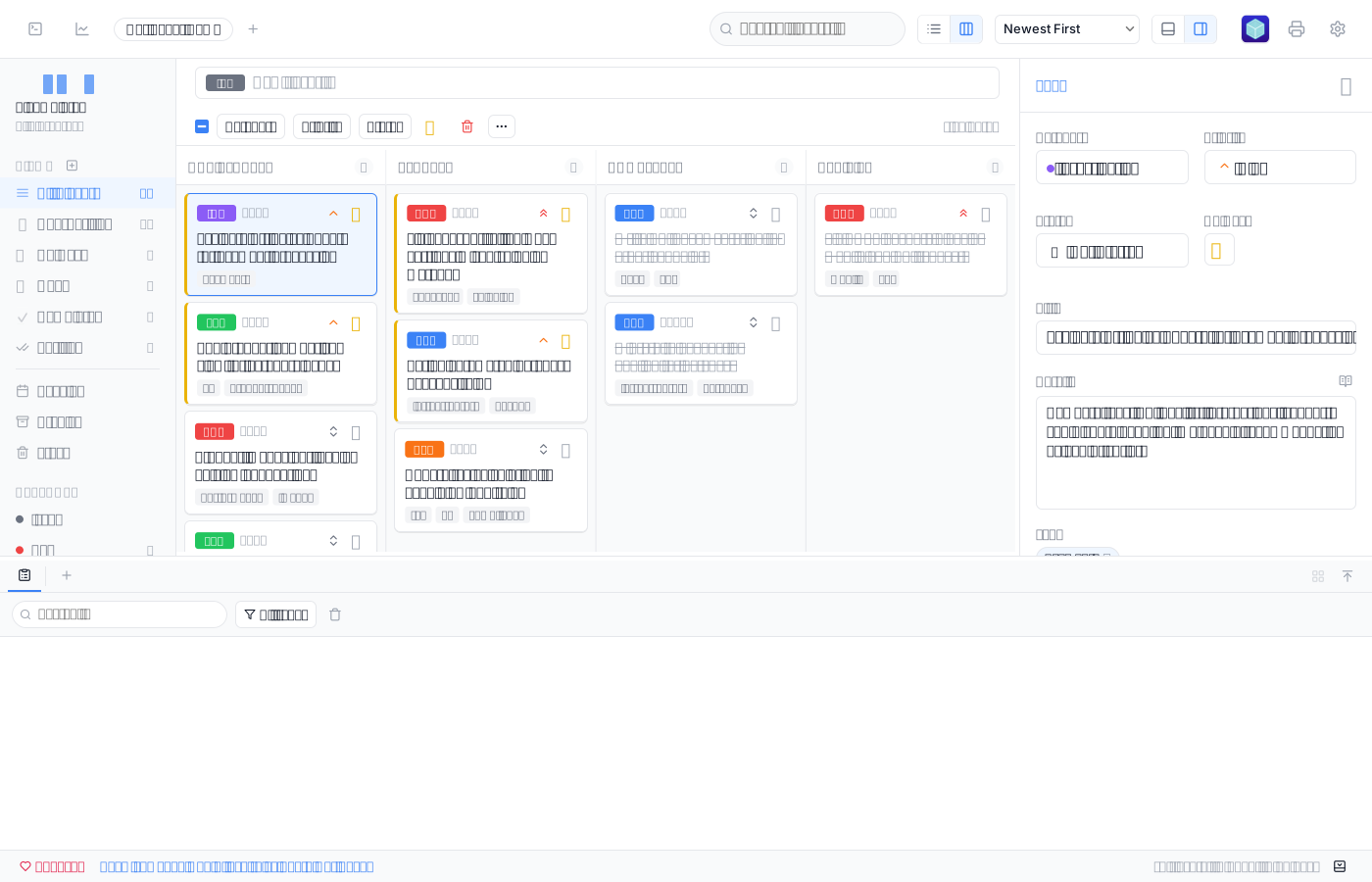
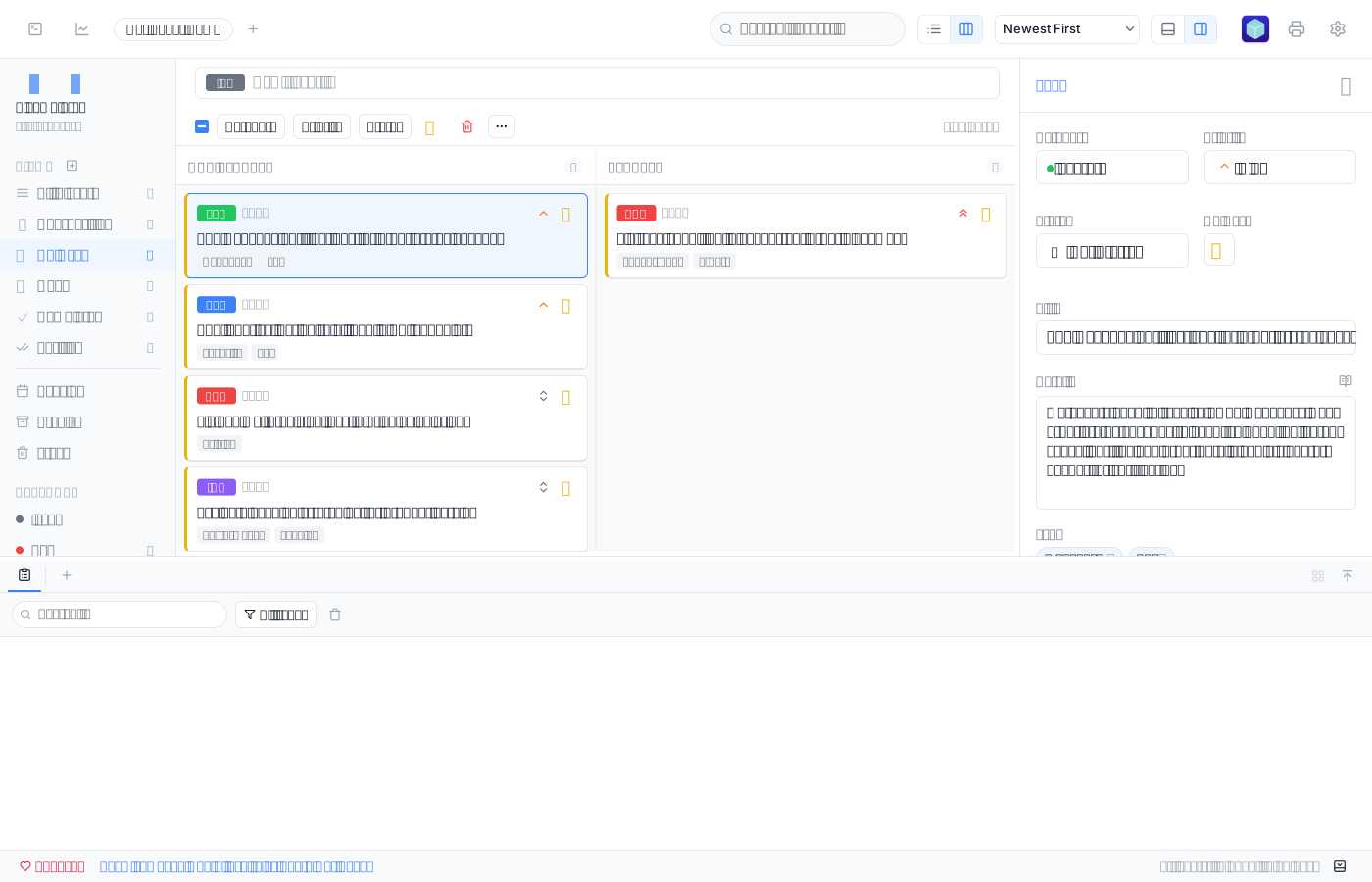
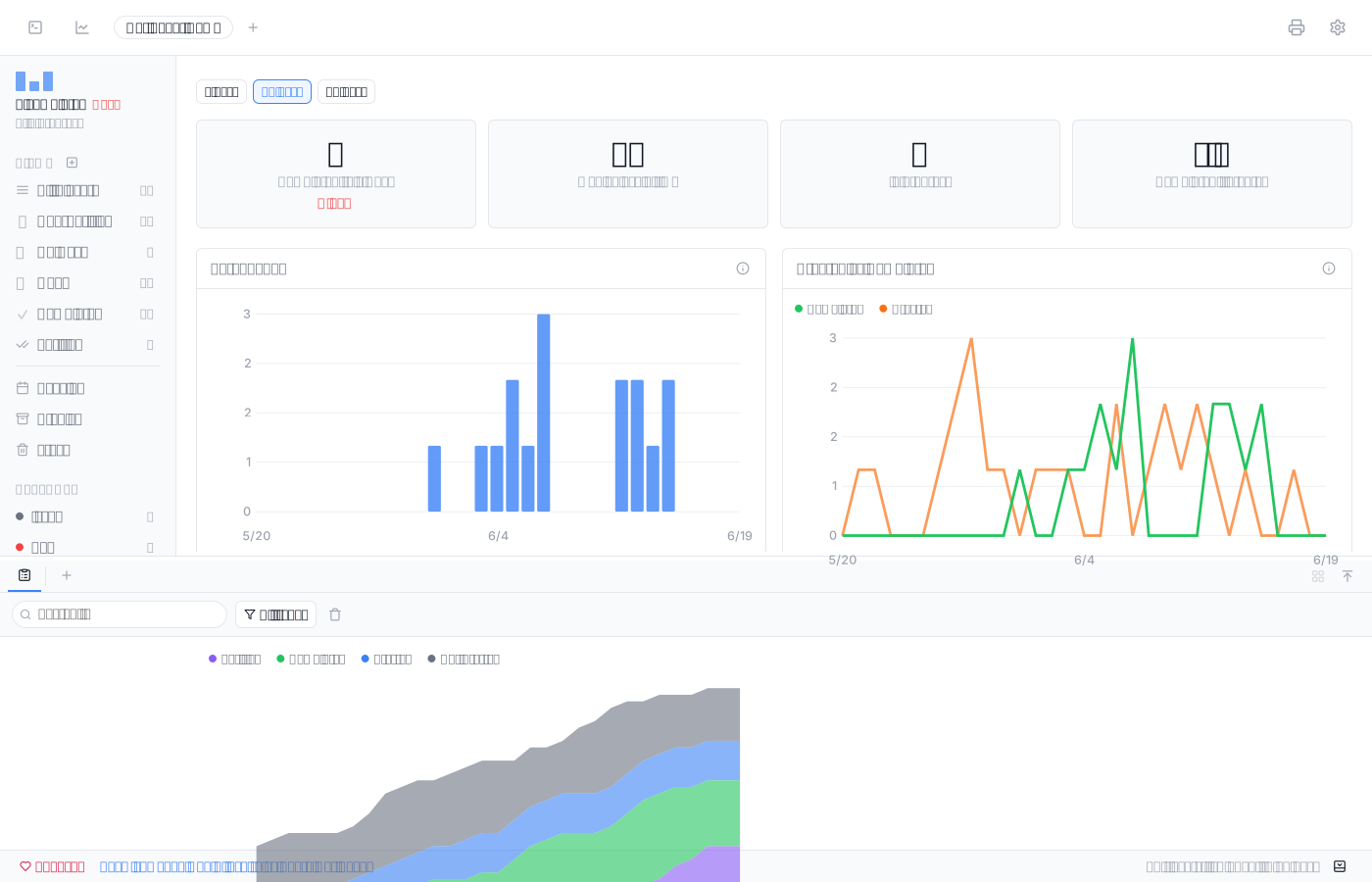
Hot Sheet — a ticket & worklist tool
Section titled “Hot Sheet — a ticket & worklist tool”A genuinely complex single-page app — multi-column board, inline category and priority chips, a live detail panel, an AI worklist, a dashboard of charts — captured pixel-faithfully. The point isn’t motion; it’s that an entire working application round-trips to one self-contained, infinitely-scalable SVG with pixel-faithful text.