
Faithful capture
Reproduces your real HTML/CSS as native SVG — including the exact captured glyph data and positioning, with no viewer-side font fallback.

A Domotion output is a single <svg> — no external fonts, images, or scripts.
Drop it into a docs site, a landing page, a slide, or a README and it lazy-loads,
stays crisp at any zoom, and needs no video file, iframe, or per-device re-encode.
In any real browser it plays its CSS animation; on surfaces that sanitize SVG
(GitHub READMEs, npm pages, email) it shows a crisp static frame instead — or you
export a GIF/MP4.
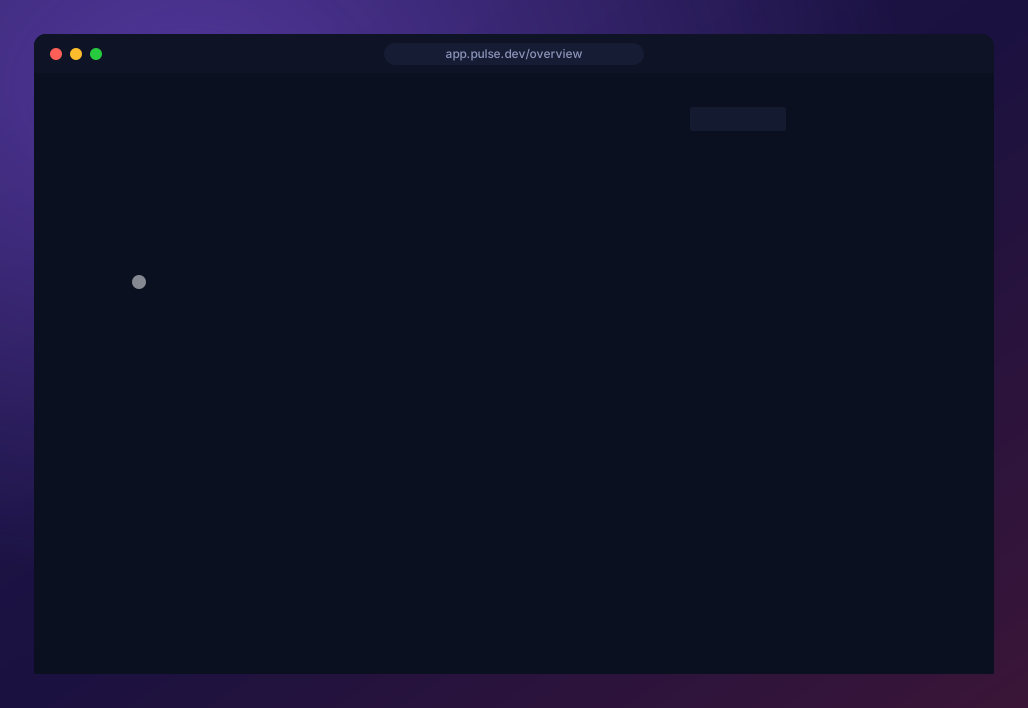
A real UI captured and brought to life — staggered entrance, a chart that grows, a search that types itself, a click. One self-contained SVG.
Faithful capture
Reproduces your real HTML/CSS as native SVG — including the exact captured glyph data and positioning, with no viewer-side font fallback.
Animation & simulation
Multi-frame animation with transitions and overlays — plus simulated interaction (recorded clicks and typing) to demo real user flows.
Studio
Build and review versioned projects in a local visual workspace with scene authoring, a multitrack timeline, embedded playback, and annotations.
Templates
A few flags become a polished animated SVG — lower-thirds, charts, kinetic text, device mockups, and more.
Compositing
Nest animated layers inside animated layers — a terminal window resizing on a desktop, a scrolling site inside a browser bezel.
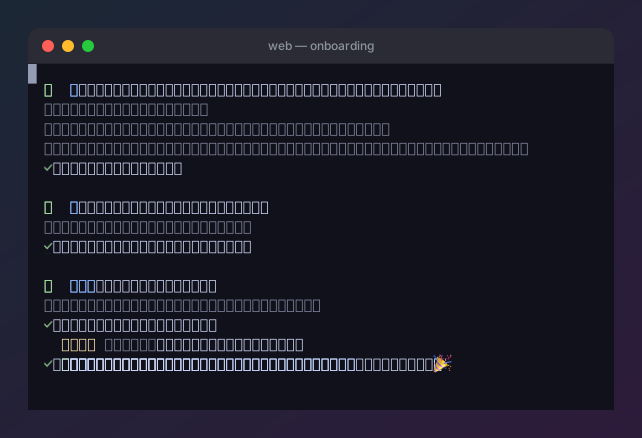
A real domotion term capture, composited into window chrome.
A single image can demo an entire app, not just a snippet. This is a Domotion
recording of Glassbox, an AI code-review tool, walking its whole flow —
launch, AI risk triage, a split diff, a line annotation, completing the review,
exporting feedback, and an agent applying the fix. Nothing is bundled or running
here: it’s a captured walkthrough, faithfully replayed as one infinitely-looping,
self-contained SVG you can drop in with an <img> tag.
A real app’s flow, faithfully recorded. See more full-app demos →
Showcase
Why Domotion
Quick start
Developer docs